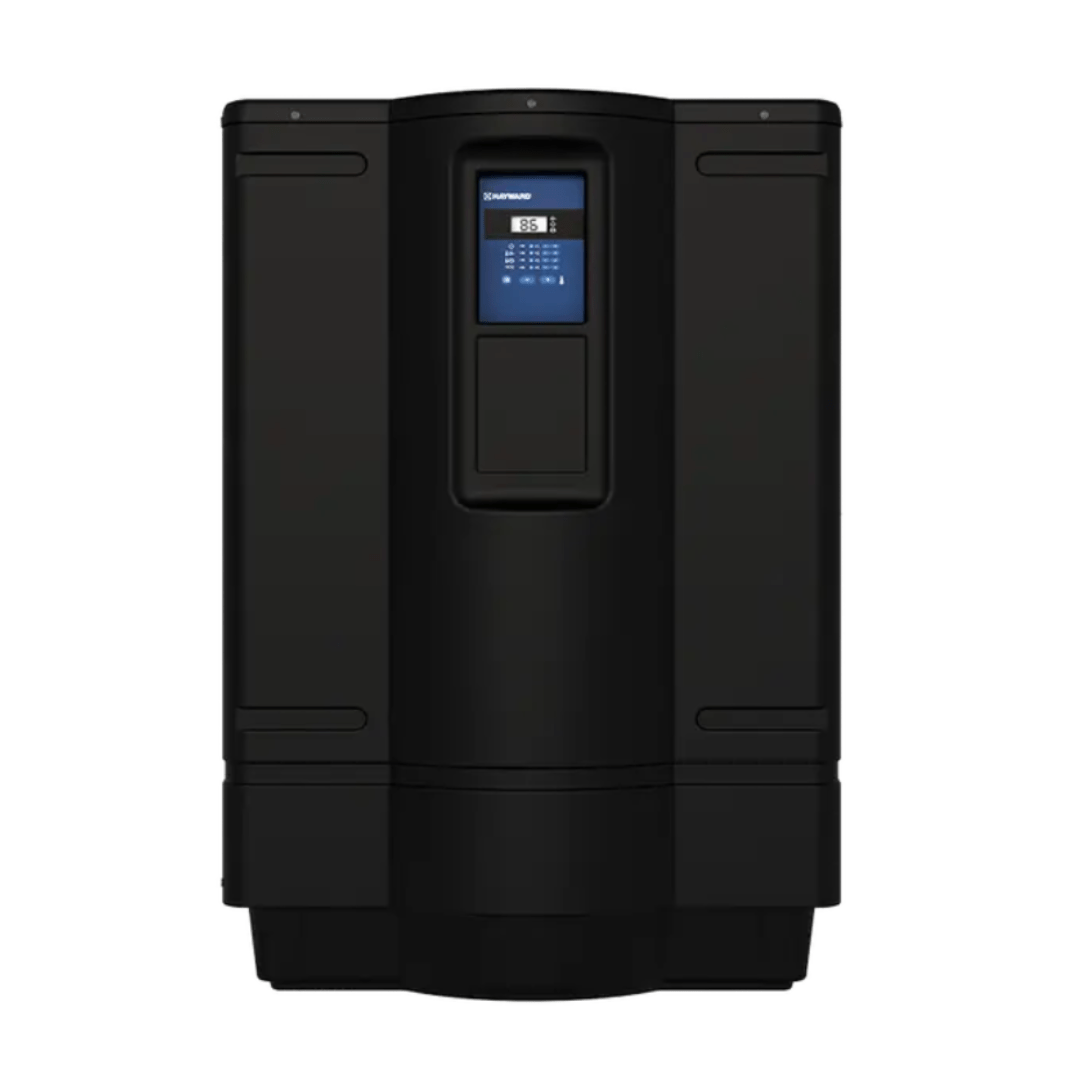
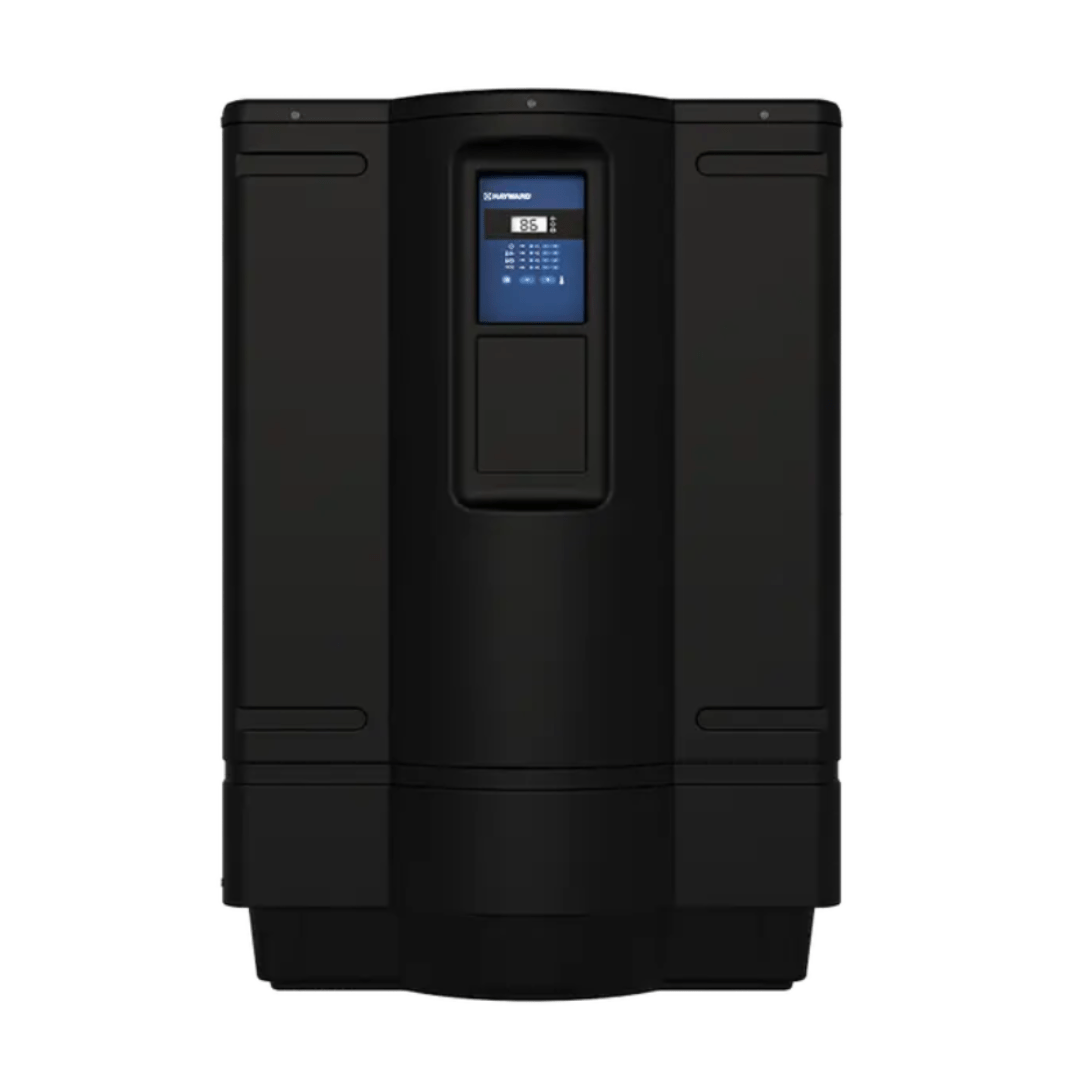
How to adjust temperature on Hayward pool heater?
Hayward 110K BTU HeatPro Heat Pump W3HP21105T
Status:
Open Apr 07, 2026 - 11:33 AM
1answer
Answer
Apr 07, 2026 - 11:33 AM
To adjust the temperature on a Hayward pool heater, use the control panel to press the “Up” or “Down” arrow buttons until you reach your desired temperature setting. Make sure the heater is powered on and set to either “Pool” or “Spa” mode, depending on what you want to heat. The digital display will show the current set temperature as you make adjustments.
View More Product Details
Hayward 110K BTU HeatPro Heat Pump W3HP21105T
Hayward 110K BTU HeatPro Heat Pump W3HP21105T Hayward continues its position as the industry leader in innovation by introducing the Hayward HeatPro Series of heat pumps that utilize industry-first microchannel heat exchanger technology to get your pool water to the perfect temperature. Microchannel...
See More
View all Hayward 110K BTU HeatPro Heat Pump W3HP21105T Questions & Answers