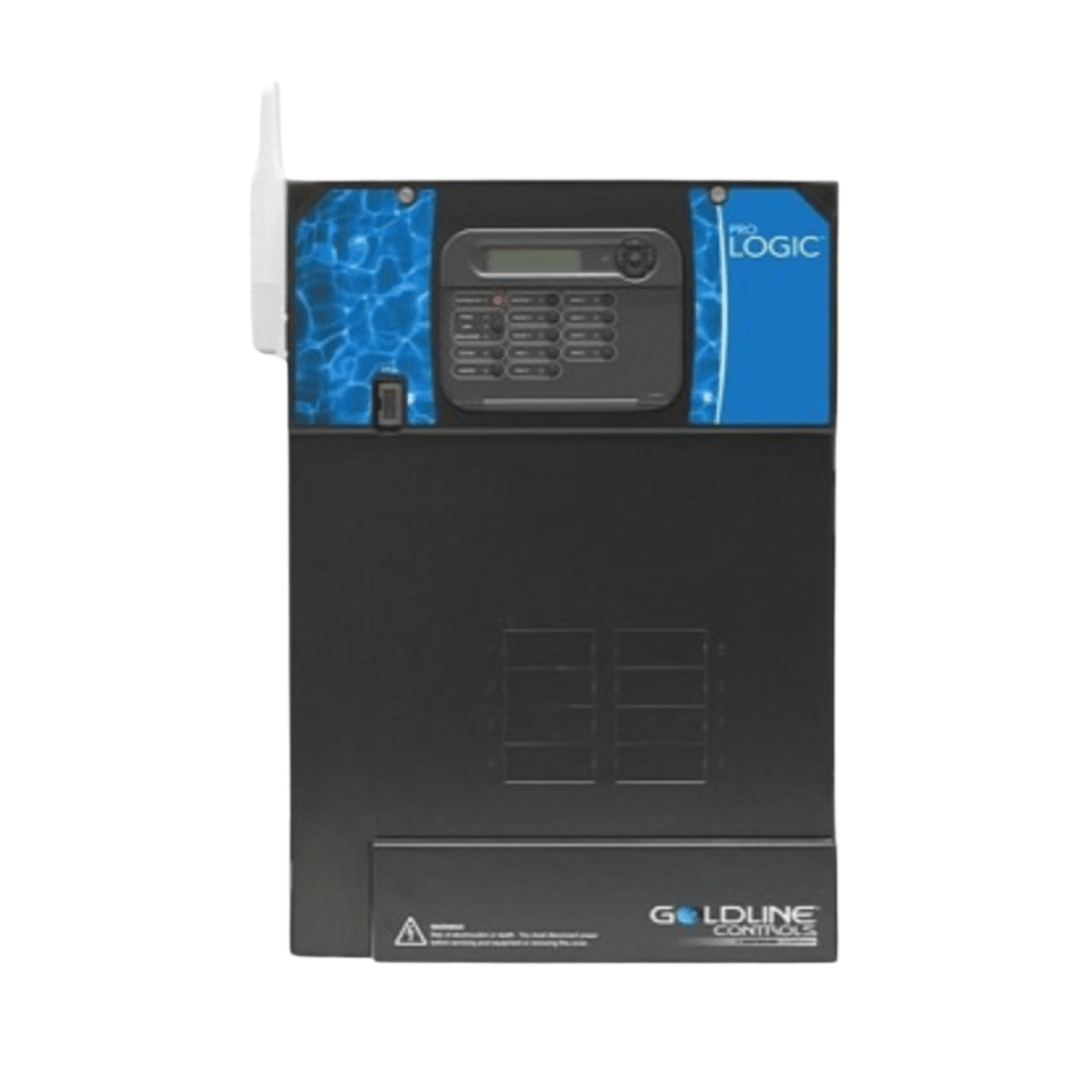
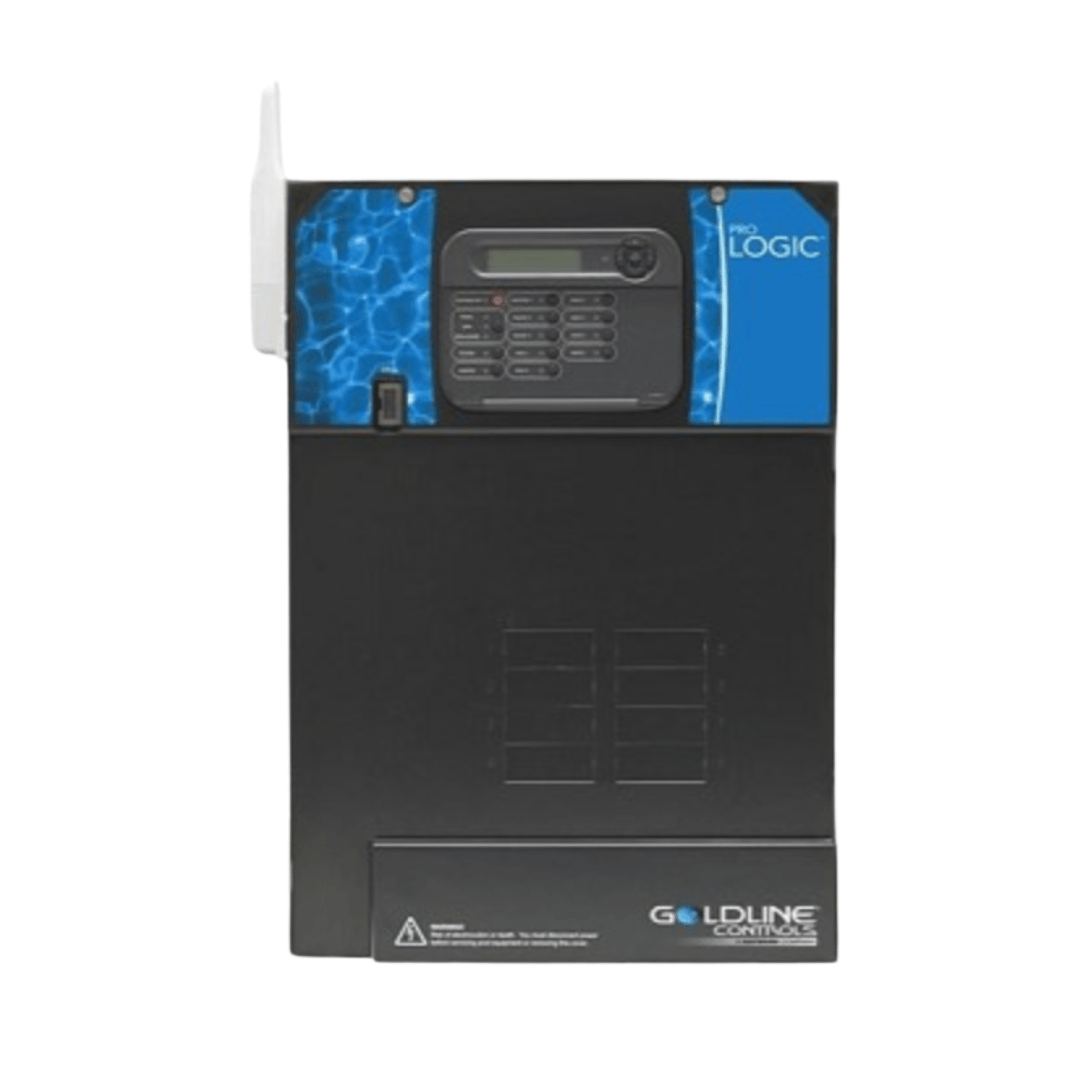
How to lock configuration menu on Hayward Pro Logic?
Hayward ProLogic PL-PS-4 Pool Automation System – Controls 4 Relays, 4 Valves, 2 Heaters, Solar
Status:
Open Mar 27, 2026 - 09:50 AM
1answer
Answer
Mar 27, 2026 - 09:50 AM
To lock the configuration menu on a Hayward Pro Logic, press and hold the “Menu” button until the “Configuration Menu Locked” message appears on the display. This prevents unauthorized changes to system settings. To unlock, repeat the process and enter the required code if prompted.
View More Product Details
View all Hayward ProLogic PL-PS-4 Pool Automation System – Controls 4 Relays, 4 Valves, 2 Heaters, Solar Questions & Answers