How to recalibrate Hayward OmniLogic salt cell?
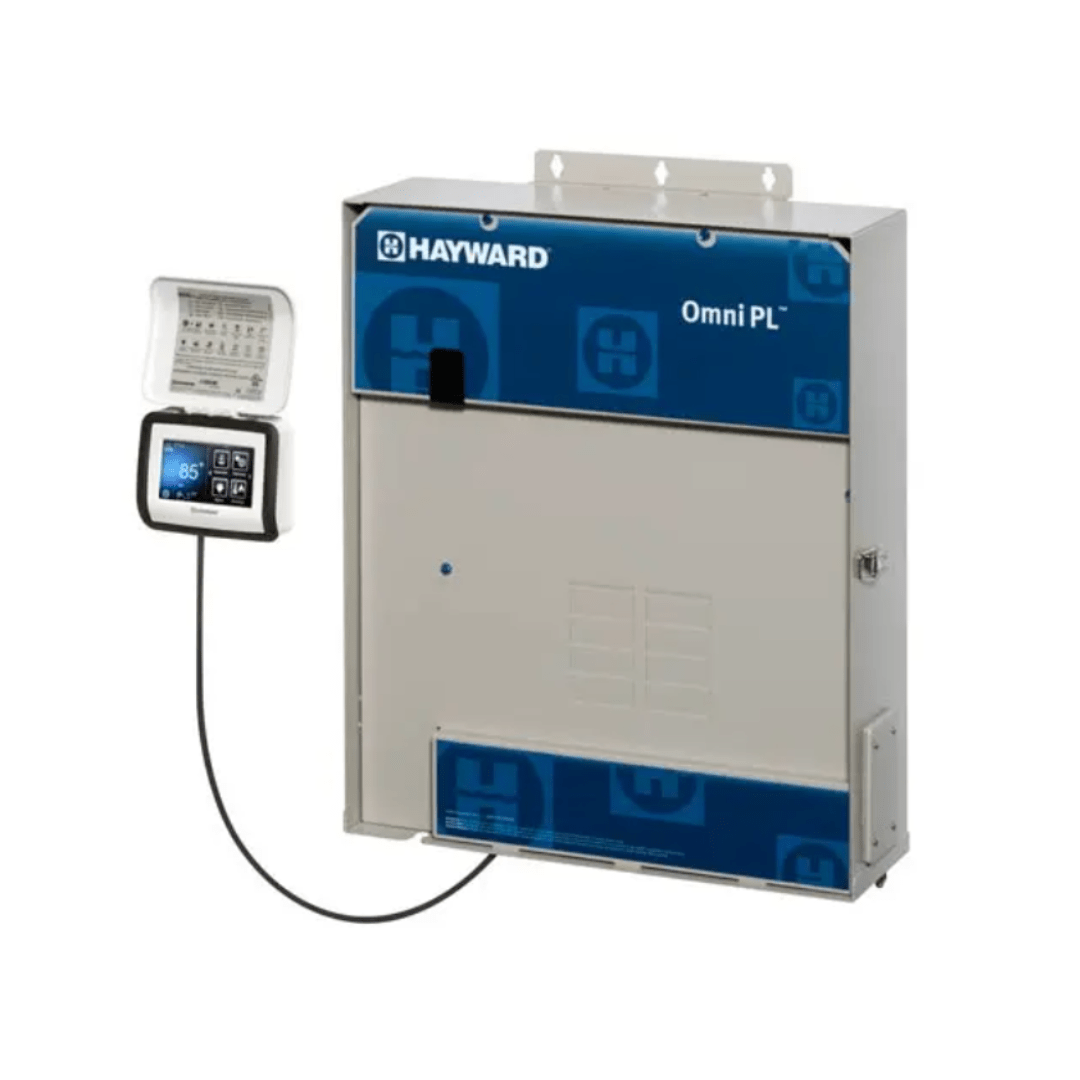
Hayward OmniPL HLPRO4W – 4-Relay & App Control
Status:
Open Mar 10, 2026 - 02:25 PM
1answer
Answer
Mar 10, 2026 - 02:25 PM
To recalibrate a Hayward OmniLogic salt cell, go to the OmniLogic control panel, select "Settings," then "Chlorinator," and choose "Recalibrate." Follow the on-screen prompts to input the actual salt level (measured with a test kit) so the system can adjust accordingly.
View More Product Details
Hayward OmniPL HLPRO4W – 4-Relay & App Control
Unmatched value in automation for new pools and spas. OmniPL leverages the OmniLogic® platform and easy-to-use app, where you can customize the level of smart control. Simplify pool ownership by integrating salt chlorination options with your automation.
Specifications:
Brand: Ha...
See More
View all Hayward OmniPL HLPRO4W – 4-Relay & App Control Questions & Answers