Answer
Mar 10, 2026 - 02:24 PM
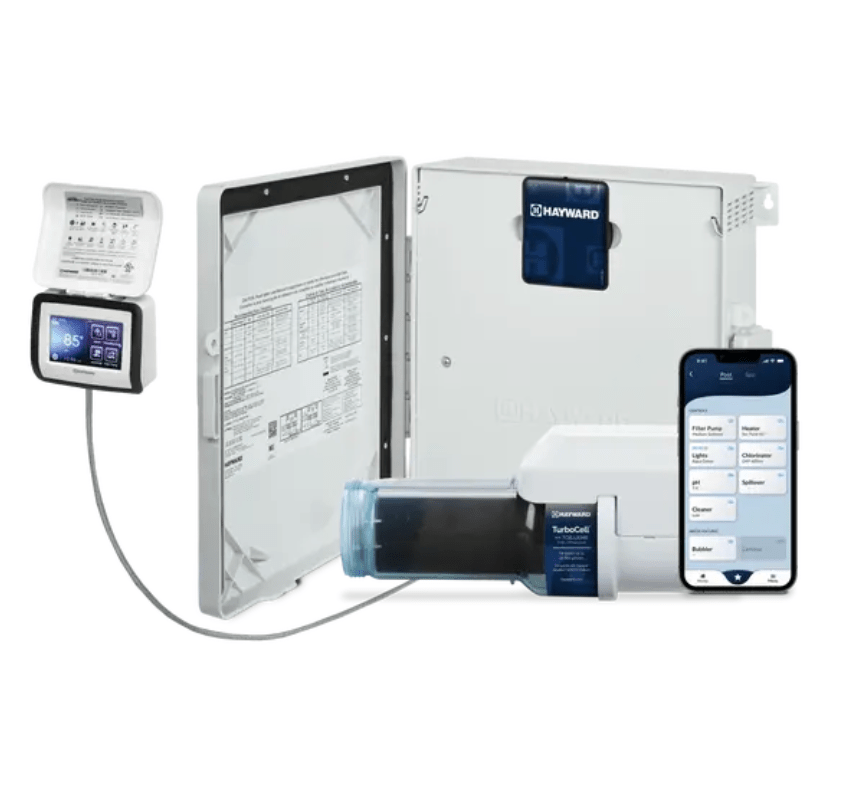
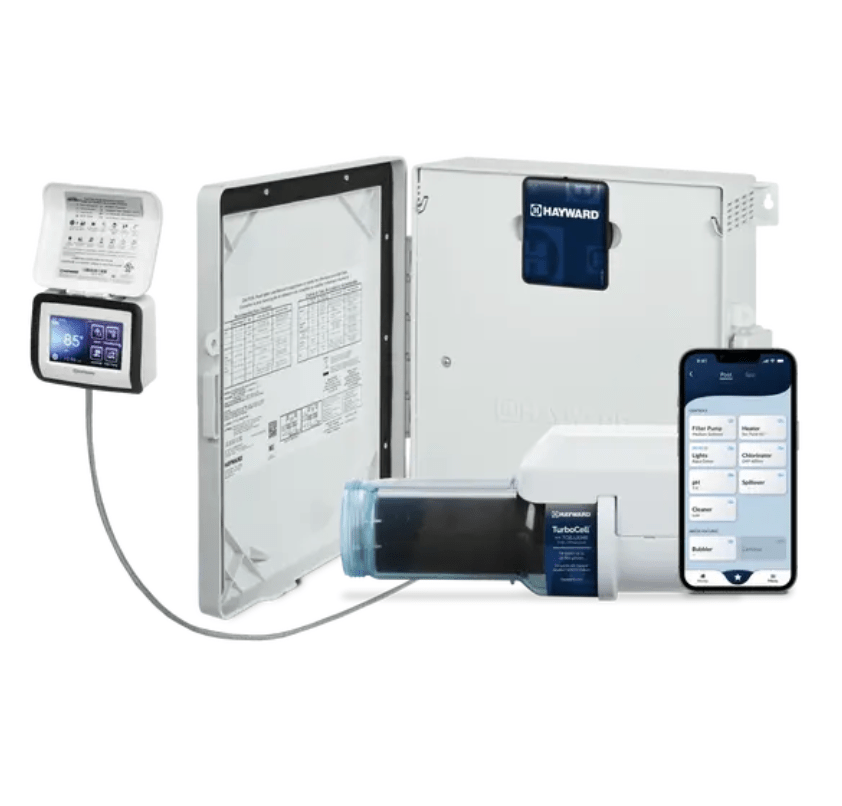
To upgrade the Hayward OmniLogic firmware, log in to the OmniLogic web interface or use the OmniLogic app, then navigate to the Settings or Configuration menu and select the Firmware Update option. Follow the on-screen instructions to download and install the latest firmware; ensure your system remains powered on during the update process.