Answer
Mar 10, 2026 - 02:22 PM
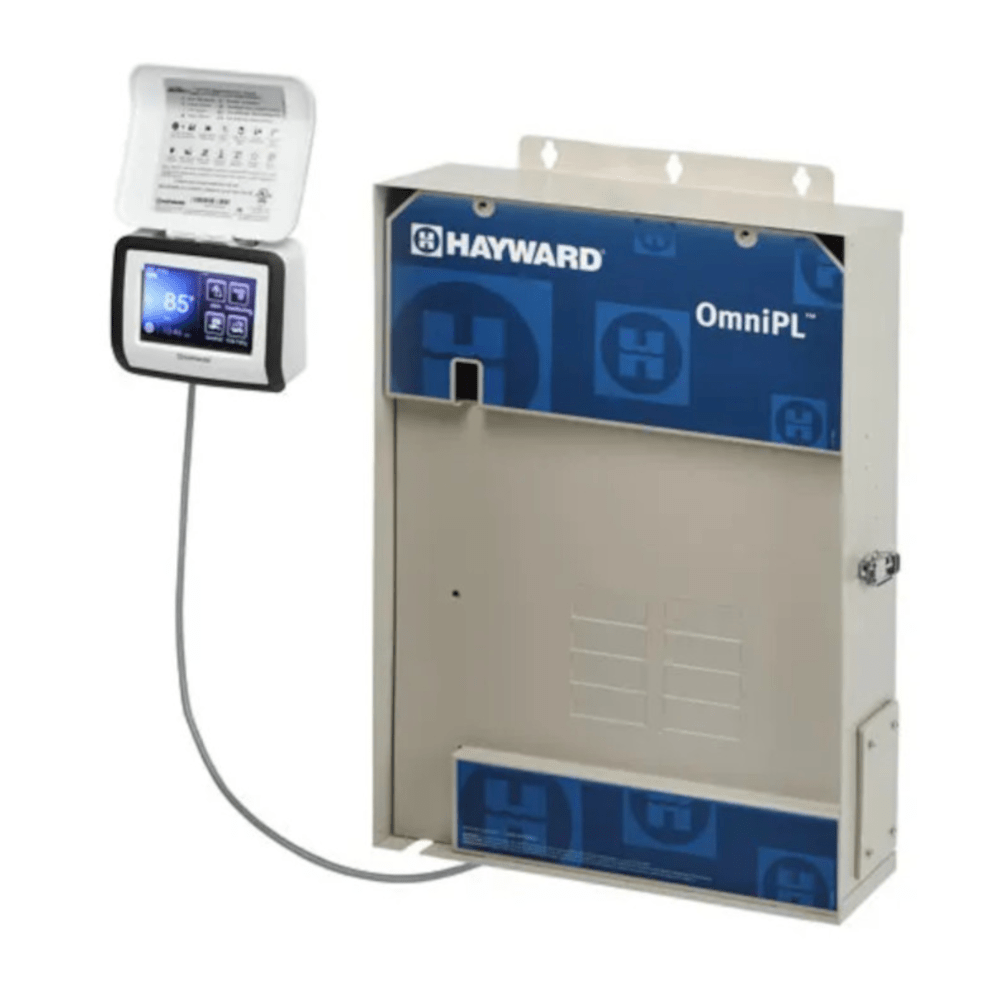
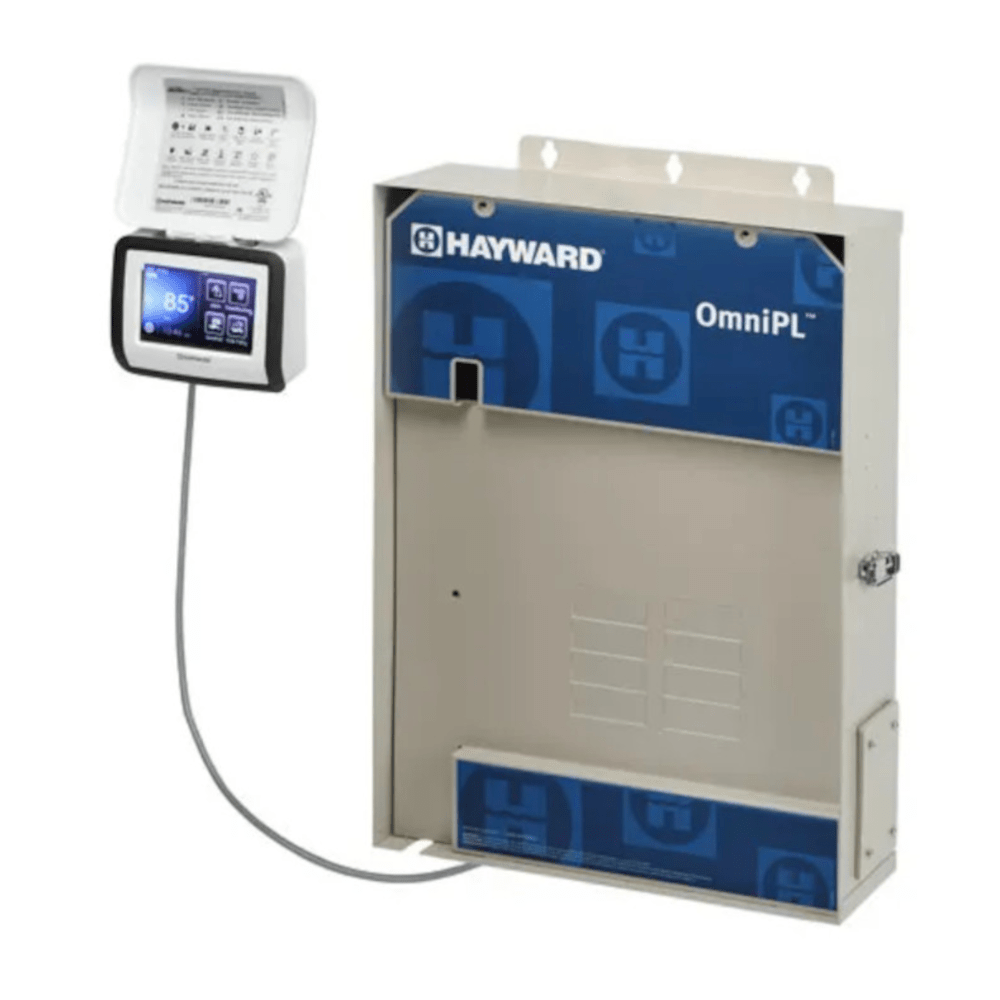
To recalibrate a Hayward OmniLogic salt cell, navigate to the OmniLogic control panel, select "Settings," then "Chlorination," and choose "Recalibrate Salt Cell." Follow the on-screen prompts to enter the correct salt level as measured by a reliable salt test strip, then save your settings. This will synchronize the system’s salt reading with the actual pool salt level.